
Welcome to our How-to guide.
This is a work in progress so please bare with us. We are working on guide videos and updating this page soon.
Firstly we recommend adding your pet first. This will ensure that your app is most personalised and results of the search are tailored to your pet.
How to add a pet profile:
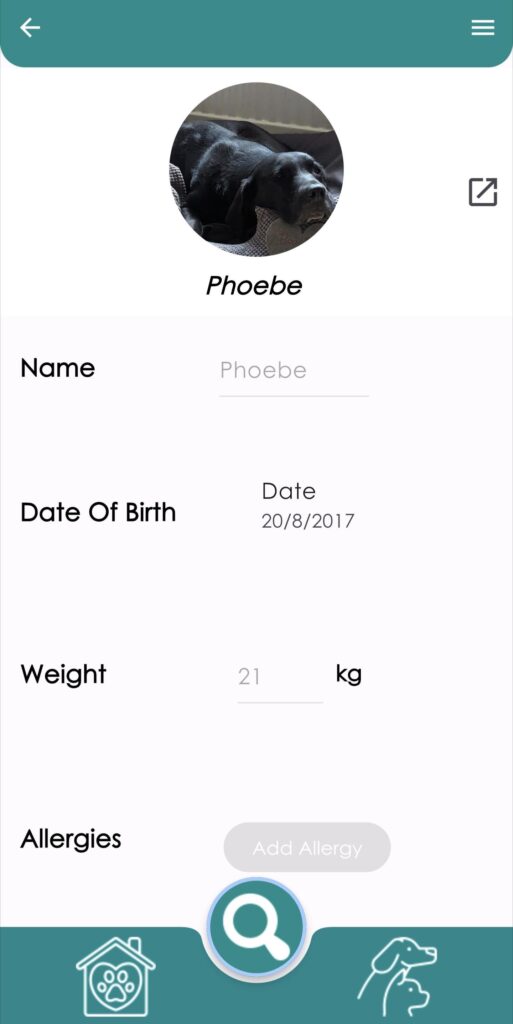
1. To add your beloved companion to our app, go to the pet icon (dog and cat).
2. Press “Add”, select the pet you have, and fill out your pet’s information. We’ve even added an “Add Appointment” feature so you can add your pet’s next appointment. You also have no limit on how many of your furry friends you can add to your account.
3. Once you’ve created your pets profile you can then share it with anyone, all you need to do is press the share button in the pets profile in the top right hand corner.
How to scan a barcode:
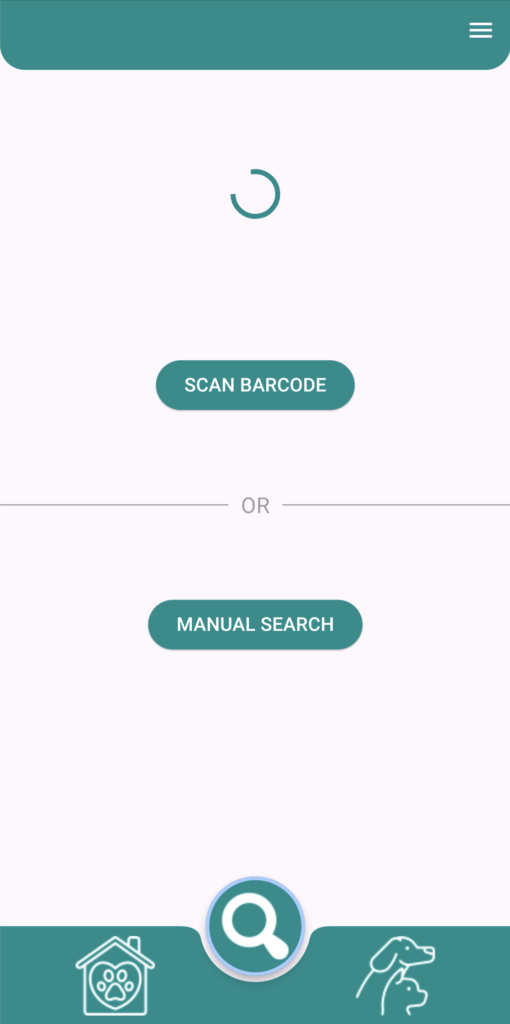
If Barcode is not found in external database?
You can still search your item by name – new search will show up, simply put name of the item and search for it manually.
(Barcodes are often changed and updated by producers, database we are using is updated everyday but with so many changes made it is impossible to have all data up to date all the time, that’s why inputting name of item manually instead will allow you to find latest version of the same product on the database)
How to search for an item by ingredient:
For further queries or to request your account to be deleted simply email [email protected] . We will get back to you within 10 days.
| Cookie | Duration | Description |
|---|---|---|
| cookielawinfo-checbox-analytics | 11 months | This cookie is set by GDPR Cookie Consent plugin. The cookie is used to store the user consent for the cookies in the category "Analytics". |
| cookielawinfo-checbox-functional | 11 months | The cookie is set by GDPR cookie consent to record the user consent for the cookies in the category "Functional". |
| cookielawinfo-checbox-others | 11 months | This cookie is set by GDPR Cookie Consent plugin. The cookie is used to store the user consent for the cookies in the category "Other. |
| cookielawinfo-checkbox-necessary | 11 months | This cookie is set by GDPR Cookie Consent plugin. The cookies is used to store the user consent for the cookies in the category "Necessary". |
| cookielawinfo-checkbox-performance | 11 months | This cookie is set by GDPR Cookie Consent plugin. The cookie is used to store the user consent for the cookies in the category "Performance". |
| viewed_cookie_policy | 11 months | The cookie is set by the GDPR Cookie Consent plugin and is used to store whether or not user has consented to the use of cookies. It does not store any personal data. |